Best AI Animation Tools for Ad Creatives [2026 Comparison]
A practical comparison of AI animation and video generation tools for ad creative production. Covers Runway Gen-4, Kling 2.0, Pika 2.0, Luma Dream Machine, Hailuo, and Veo 2 — with pricing, quality benchmarks, and workflow recommendations.
The AI video generation landscape changes every quarter. New tools launch, existing tools update, pricing shifts, and what was best six months ago may not be best today. This guide covers the tools that are production-ready for ad creative work as of late 2026, with honest assessments of what each does well and where each falls short.
The focus is practical: which tool should you use for which step of the ad production workflow. Not demos, not cherry-picked examples, not theoretical capabilities — real production experience.
The Core Tools
Runway Gen-4
What it does well: Highest-quality motion output. Smooth camera movement — pans, zooms, orbits. Best understanding of physics and natural motion. Most consistent lighting across frames.
What it does poorly: Expensive per generation. Sometimes alters character details during animation. Slower generation times than competitors. Long clips (10+ seconds) occasionally introduce artifacts in the final frames.
Best for: Hero shots, cinematic product reveals, camera-movement-heavy scenes, any clip where motion quality is the priority.
Pricing: Standard plan $12/month (625 credits). Unlimited plan $76/month. Pro plan $28/month (2,250 credits). Each 10-second generation costs approximately 50-100 credits depending on resolution.
Practical output: At the Standard plan, expect 6-12 usable clips per month. For active ad production, the Pro or Unlimited plan is necessary.
Kling 2.0
What it does well: Best character animation — humans walking, gesturing, talking. Strong image-to-video fidelity (what you input is close to what you get). Good value for the price. Handles complex scenes with multiple elements.
What it does poorly: Camera movement is less smooth than Runway. Occasional hand and finger deformations (an industry-wide issue, but slightly worse here). Output resolution limited to 1080p on most plans.
Best for: Character-driven ads, talking-head style animation, any scene where human or character movement is the focus.
Pricing: Standard plan $5.99/month (660 credits). Pro plan $29.99/month (3,000 credits). Each generation costs 10-30 credits depending on length and quality.
Practical output: Best credits-per-dollar ratio in the market. The Pro plan supports heavy production workflows of 30-50+ clips per month.
Pika 2.0
What it does well: Fastest generation times. Good for simple motion — objects moving, subtle animations, looping clips. The “Add Motion” feature lets you animate specific parts of a still image while keeping the rest static. Strong for social content that needs quick turnaround.
What it does poorly: Complex motion looks mechanical. Character animation is below Runway and Kling quality. Limited control over specific movement parameters.
Best for: Quick social content, motion graphics, looping clips for backgrounds, adding subtle motion to product images, rapid iteration when you need many variations fast.
Pricing: Standard plan $8/month (250 credits). Pro plan $28/month (750 credits). Each generation costs approximately 8-16 credits.
Practical output: Fast generation makes it ideal for producing high volumes of simpler motion content. Not the primary tool for hero ad creative.
Luma Dream Machine
What it does well: Cinematic quality — the output looks like it was filmed, not generated. Strong at creating immersive environments. Good motion continuity over longer clips. Natural lighting and atmosphere.
What it does poorly: Limited control over specific character actions. Better at scenes than at characters. Generation times are longer than Pika but comparable to Runway. Less predictable output — more variation between generations.
Best for: Lifestyle scenes, product-in-environment shots, cinematic brand content, any scene where atmosphere matters more than specific character action.
Pricing: Free tier available (limited generations). Standard plan around $24/month. Pro plans available for higher volume.
Hailuo (MiniMax)
What it does well: Good quality-to-speed ratio. Handles motion well enough for most social content. Generous free tier for testing. Strong at maintaining image composition during animation.
What it does poorly: Output quality below Runway and Kling for premium content. Less fine-grained control over motion. Inconsistent character consistency across generations.
Best for: Testing concepts before committing to higher-quality generation in other tools. Producing draft versions. Social content where premium quality is not required.
Pricing: Free tier with limited daily generations. Paid plans from $9.99/month.
Veo 2 (Google)
What it does well: Long clips (up to 60 seconds in some modes). Good understanding of real-world physics. Strong text comprehension in prompts. Integration with Google ecosystem.
What it does poorly: Access is limited (primarily through Google’s AI tools). Less flexible for production workflows. Output style leans more realistic than stylized — not ideal for cartoon or illustrated content.
Best for: Realistic product demos, longer-form content, scenarios where physics accuracy matters (product in use, mechanical demonstrations).
Pricing: Access through Google AI Premium at $19.99/month or through Vertex AI with usage-based pricing.
Comparison Table
| Feature | Runway Gen-4 | Kling 2.0 | Pika 2.0 | Luma | Hailuo | Veo 2 |
|---|---|---|---|---|---|---|
| Motion quality | Excellent | Very good | Good | Very good | Good | Very good |
| Character animation | Good | Excellent | Fair | Fair | Fair | Good |
| Camera movement | Excellent | Good | Fair | Good | Fair | Good |
| Speed | Slow | Medium | Fast | Medium | Fast | Medium |
| Max clip length | 16s | 10s | 5s | 10s | 6s | 60s |
| Character consistency | Good | Very good | Fair | Fair | Fair | Good |
| Price/value | Low | High | Medium | Medium | High | Medium |
| Best resolution | 4K | 1080p | 1080p | 1080p | 1080p | 4K |
The Production Workflow: Which Tool When
A typical ad production workflow uses 2-3 tools, not one. Here is how they fit together:
Step 1: Character and Scene Design
Tool: Midjourney or Flux (image generation, not video) Purpose: Generate still images of characters, backgrounds, and key scenes
Step 2: Hero Animation
Tool: Runway Gen-4 Purpose: Animate the most important scenes — the hook shot, the product reveal, the emotional beat Why: These clips need the highest quality. Spend credits on the moments that matter most.
Step 3: Character Scenes
Tool: Kling 2.0 Purpose: Animate character-driven scenes — the character explaining, reacting, demonstrating Why: Kling handles human and character movement more naturally than other tools.
Step 4: Supporting Clips
Tool: Pika 2.0 or Hailuo Purpose: Animate backgrounds, transitions, simple motion graphics, and supporting b-roll Why: These clips do not need premium quality. Use the faster, cheaper tools for supporting content.
Step 5: Assembly
Tool: CapCut, Premiere, DaVinci Resolve, or After Effects Purpose: Combine clips, add voiceover, text, music, sound effects, and export for each platform Why: No AI video tool handles final assembly. This is the human step.
Monthly Cost for Active Ad Production
| Production Volume | Tool Stack | Monthly Cost |
|---|---|---|
| 5-10 ads/month (startup) | Kling Pro + Pika Standard | $38/month |
| 10-20 ads/month (growing) | Runway Pro + Kling Pro + Pika Standard | $66/month |
| 20-50 ads/month (scaling) | Runway Unlimited + Kling Pro + Pika Pro | $134/month |
| 50+ ads/month (high-volume) | Runway Unlimited + Kling Pro + multiple tools | $200-$300/month |
These are tool costs only. Add 2-10 hours of human production time per ad depending on complexity. For brands that want professional output without managing the tools, an agency handles the entire pipeline.
What to Expect in the Next 6 Months
AI video generation is improving faster than any adjacent technology. Expect by mid-2027:
- Longer native clips: 30-60 second generations becoming standard (currently 5-16 seconds)
- Better character consistency: Built-in character locking rather than prompt-based workarounds
- Real-time generation: Preview animations before committing to full-quality renders
- Audio integration: Voice and sound effects generated alongside video, not separately
- Stronger editing integration: AI video tools built into editing software rather than standalone
The practical implication: production costs will continue to drop and quality will continue to rise. Brands that build AI animation workflows now will have a significant speed advantage over competitors who wait.
For production guides on specific ad formats, see our AI cartoon ad guide and AI animated explainer guide. For cost benchmarks across all AI video production types, read our AI video production cost guide. And for the full creative process from brief to finished ad, our AI product video guide walks through each step.
When to Use Tools vs Hire a Team
The tool costs above are deceptively low. $38-$134 per month for the full stack. But tools are the production layer — they generate raw clips. The decisions that determine whether those clips perform as ads happen upstream: which concepts to produce, which illustration styles to test, which hooks to pair with which visual format, and how to iterate based on performance data.
If your monthly ad spend is under $5,000, learning these tools yourself is a reasonable investment. The volume is low enough that 5-10 ads per month covers your testing needs, and the learning curve pays off over time.
If you are spending $10,000+ per month on ads, the math changes. Your time is better spent on business operations, product development, or campaign strategy — not learning the difference between Runway’s motion modes and Kling’s image-to-video settings. The tool cost is trivial. The human expertise cost — knowing what to produce and why — is where the real value sits.
An agency like OKAD absorbs the tool costs entirely. The retainer covers strategy, production, and the full tool stack — you never manage subscriptions, learn prompt workflows, or troubleshoot generation failures. More importantly, the agency team has already spent thousands of hours on these tools, which means the output quality and production speed are not comparable to what a marketer achieves in their first 3 months of self-teaching. For brands that need both illustrated statics and animated video, the same team handles both formats under one creative strategy.
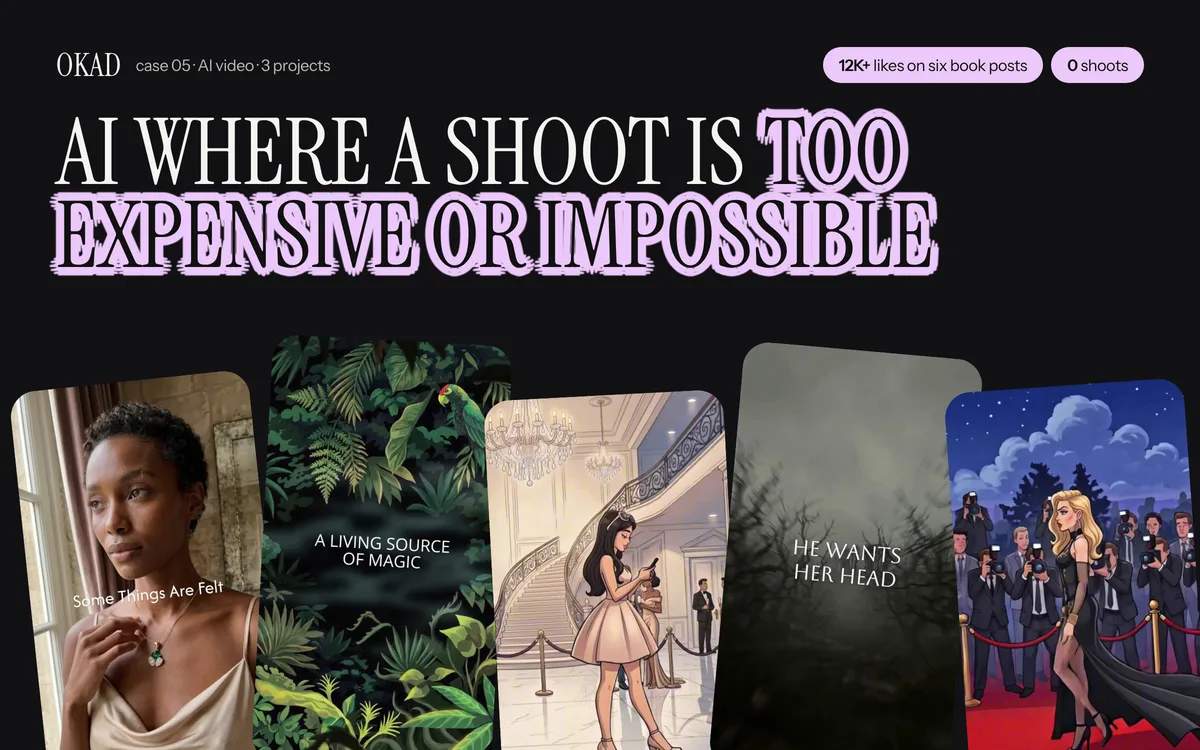
OKAD uses every tool on this list daily — the output is illustrated and animated ad creatives, not experiments. See the full case study.
Work With OKAD
OKAD produces illustrated and animated ad creatives as part of a full creative strategy service — research, briefs, production, and testing in one retainer. No per-asset pricing. No retainer lock-in.
See pricing and book a call · Or email olga@okad.agency with your monthly ad spend and goals.
Questions people ask
What is the best AI animation tool for ad creatives in 2026?
There is no single best tool. Runway Gen-4 produces the highest-quality motion and camera movement. Kling 2.0 handles character animation and human movement best. Pika 2.0 is fastest for simple motion effects and loops. The most effective ad production workflows use 2-3 tools — one for hero shots, one for character animation, and one for quick variations.
How much do AI animation tools cost?
Most tools run $20-$100 per month for individual plans. Runway Standard is $12/month for 625 credits. Kling Standard is $5.99/month. Pika Standard is $8/month. For professional ad production generating 20-50 videos per month, expect to spend $50-$150/month across 2-3 tools. Enterprise plans with higher limits run $100-$500/month.
Can AI animation tools produce ad-ready video without editing?
No. Every AI-generated clip needs editing — trimming, combining with other clips, adding text overlays, voiceover, sound effects, and music. The AI tools generate raw animated clips of 3-16 seconds. Turning those clips into finished ads requires the same editing skills as any video production. The AI saves you the filming and animation steps, not the editing step.
Which AI tool has the best character consistency?
None of them solve character consistency automatically. Kling 2.0 with image-to-video mode maintains the most visual fidelity to an input character image. Runway Gen-4 sometimes alters character details during animation. The practical solution is generating multiple takes and selecting the ones where the character remains consistent, then fixing minor issues in post-production.
How fast is AI video generation for ad production?
Generation speed varies by tool and clip length. Runway Gen-4 generates a 10-second clip in 60-120 seconds. Kling 2.0 takes 2-4 minutes for a 5-second clip. Pika 2.0 generates 3-second clips in 30-60 seconds. For practical ad production, the bottleneck is not generation speed — it is prompt iteration (getting the output you want) and editing (combining clips into a finished ad).