UGC ads for SaaS that show the product without a boring demo
Your product demo is 3 minutes long and nobody watches past the intro. I make 15 to 30 second videos that show one feature solving one problem, in a format that looks native to the feed — not like a product tour someone was forced to watch.
Screen recordings, creator walkthroughs, canvas formats. Each video gets 3 to 5 hook variations so you find the angle that converts before the ad fatigues.
Why SaaS video ads are different
A dashboard or workflow tool doesn't have a physical unboxing moment. You need screen recordings, walkthroughs and motion that make the product click in 3 seconds.
SaaS buyers don't impulse-buy. Ads need to work across the funnel: awareness, consideration, trial. One video won't cover all three.
A studio-produced product tour gets skipped. Native-looking content from a real user gets watched. But "real" still needs to be scripted around the right pain point.
B2B audiences on Meta and LinkedIn are narrow. One winning ad loses steam in a week or two. You need a pipeline of fresh creative, not a single hero video.
Formats that work for SaaS
Your product in action on a real device, with a voiceover that leads with the benefit, not the feature. The fastest format to produce and often the highest performer for tools with strong UI.
A real person on camera, using the product and reacting. Bridges the trust gap: viewers see someone they relate to getting value. Works especially well for TikTok and Reels.
Open with a pain the viewer recognizes ("I used to track everything in spreadsheets"), show the product solving it. Scripts come from customer reviews and support tickets.
Split-screen or sequential: the old way versus the new way. Makes the time savings or complexity reduction visible and visceral.
Text on screen, product screenshots in motion, no creator face needed. Cheap to test, fast to iterate, works well for retargeting. See my Canvas & Tech UGC guide.
The founder explains why they built the product. Authentic, high-trust, especially effective for early-stage SaaS going after a niche audience.
Proof
160+ video ads in four months. Cost per customer 35% below the account average. One video got the biggest budget out of ~770 ads in the account.
Read the case →Canvas-style content that reached 1.5M organic views. No creator face, no shoot — screen recordings and text overlays.
Read the case →Social content and UGC ads for an education platform, combining screen recordings with creator reactions.
Read the case →How I turn existing footage, screen recordings and product screenshots into new ads without booking creators.
Read the guide →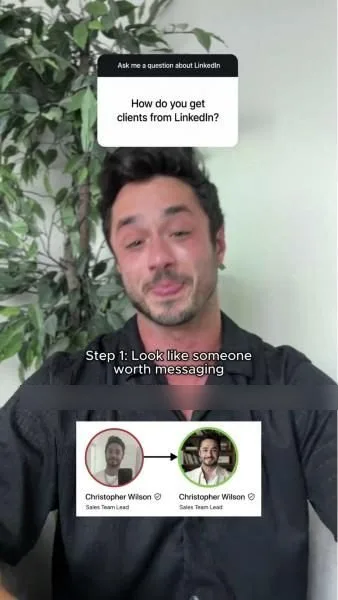
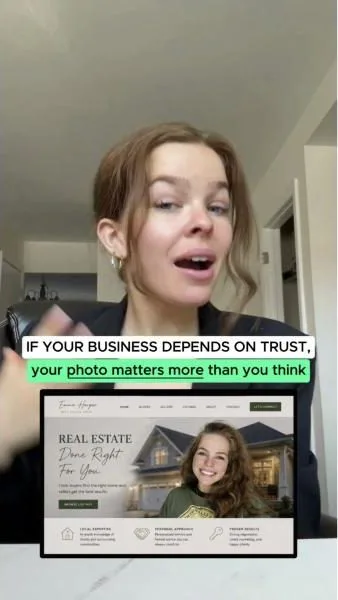
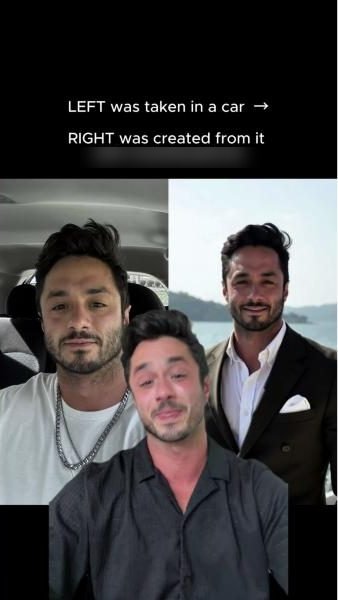
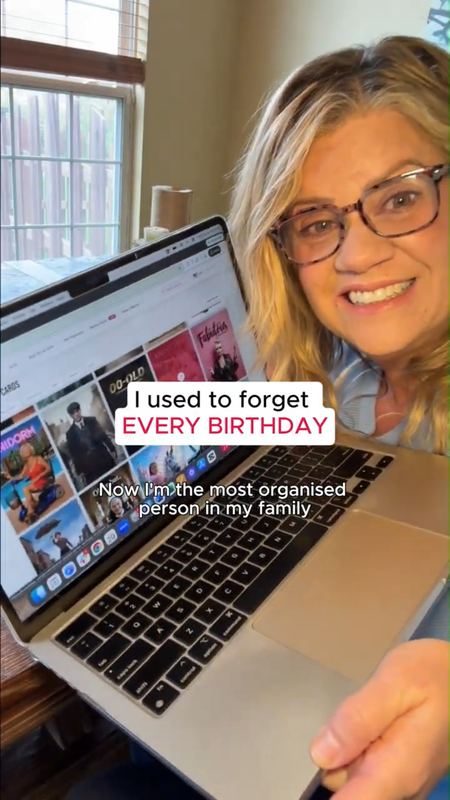
Real ads from SaaS and app accounts
How it works
I use your product. I sign up, go through the onboarding, and find the moments that would make someone say "I need this." Competitor ads, reviews, and support tickets fill in the rest.
Scripts and format decisions. One feature per video, one pain point per script. I decide which parts are screen recording, which are creator, and which are canvas.
Production. Screen recordings on real devices, creators from my network, or pure canvas from your existing assets. Each video gets 3 to 5 hook variations.
Test and iterate. After launch I read hook rate, CTR and cost per trial. The next batch doubles down on what worked. My testing framework.
Pricing
- Starter, no call: 10 ready-to-run videos, a testing plan, 5 business days, $500.
- Monthly testing: from $2,500/month, about $100 per custom video with strategy, scripts, casting, filming and editing.
- Canvas-only: cheaper — built from your existing screenshots, recordings and assets.
Full breakdown on UGC pricing · AI UGC for even cheaper testing
FAQ
Does UGC work for B2B SaaS?
Yes. Decision-makers scroll the same feeds as everyone else. A creator saying "this tool cut my reporting time in half" works the same way a consumer testimonial does — it is social proof in native format. The targeting is harder, but the creative principles are the same.
What about LinkedIn video ads?
I produce content that works on LinkedIn too: 4:5 or 1:1, sound-off friendly, with clear text overlays. LinkedIn audiences watch less but click more deliberately, so the hook and CTA matter even more.
Can you use our existing product screenshots?
Yes. Canvas and B-roll formats are built from screenshots, screen recordings and existing assets. No new shoot needed. This is the cheapest way to start testing.
How do you handle complex products?
I focus on one feature and one pain point per video. A full product tour belongs on your website, not in an ad. Each ad answers one question: "What does this do for me?"
What if we already have a demo video?
A polished demo is not an ad. But I can use the same screen recordings as raw material, re-edit them with hooks, captions and native pacing, and turn one demo into 5 to 10 testable ads.
Ready to turn your product into scroll-stopping ads?
10 videos in 5 days. Screen recordings, creator content, or canvas — whatever fits your product best.