Canvas and tech UGC with zero new shoots. 5,471 creators asked in.
When canvas and tech UGC took off, every app started hiring creators and paying them per video. I ran the opposite test. I took about 35 clips from my camera roll, recut them into trending formats for a little over a month, and built a creator database that later turned into a product I never planned to launch.
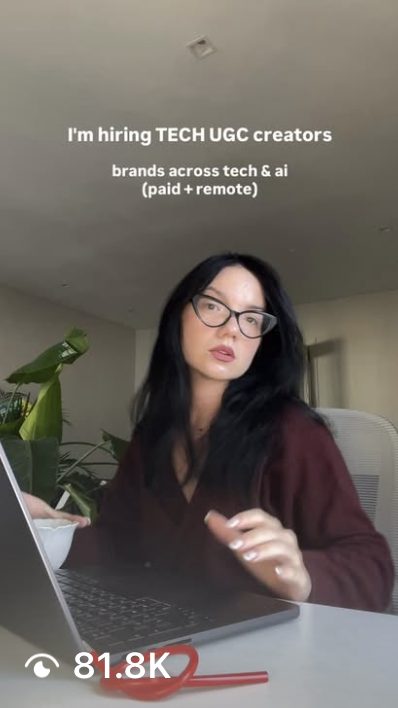
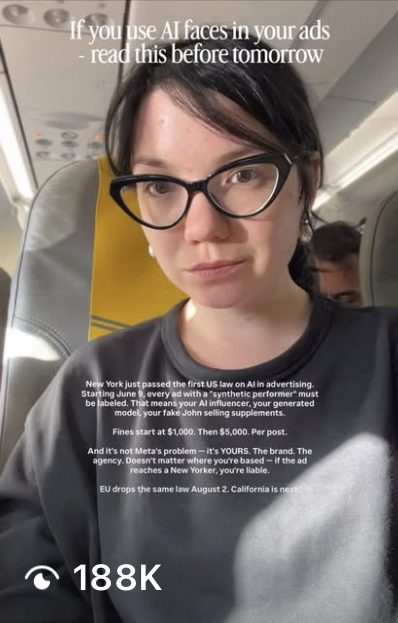
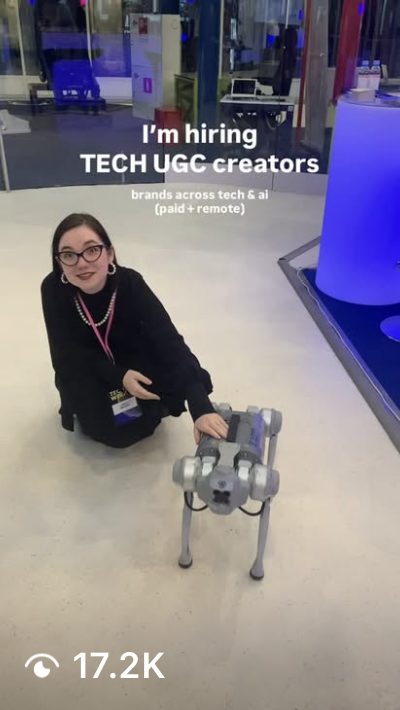
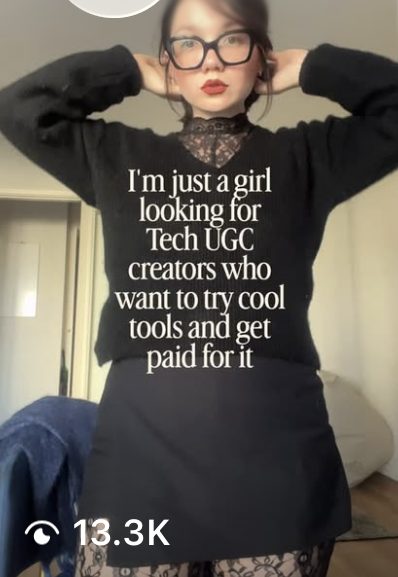
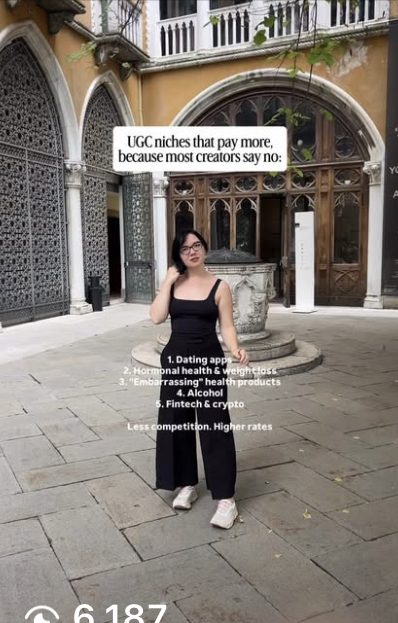
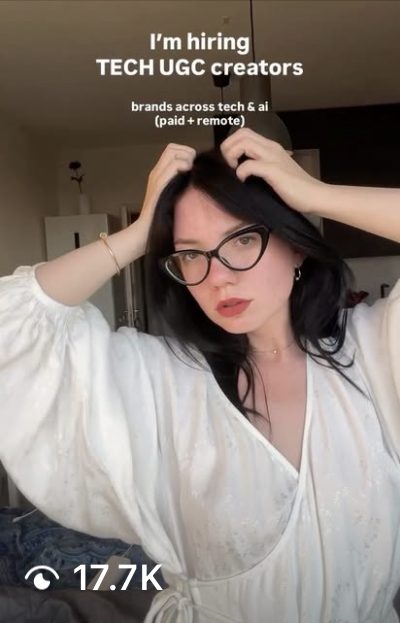
Brands pay UGC creators for every attempt.
I run OKAD, a creative agency that makes and tests video ads for apps, so I see this setup every week. A brand pays per video plus a bonus per winner. Most organic videos don't take off, and the brand pays for all of them anyway.
So I asked one question. What if the footage is the only thing you buy from a creator, and you do the hooks, the text, the formats and the volume yourself? To test it I used the cheapest footage I had: my own camera roll.
- You pay for every attempt, including the ones nobody watches.
- You wait. "I'll send it tomorrow" for five days straight.
- When a format wins, you need the same person for ten more versions, on their schedule and at their price.
- One creator going quiet for two weeks stalls a whole account.
A UGC b-roll library: 35 clips from my camera roll.
Nothing was filmed for this. Me at my laptop, mirror selfies, coffee in a cafe, a walk in Lisbon, a plane seat, a tech event with a robot dog. Most clips are 5 to 8 seconds long.
Then add the setting (home, cafe, street, event) and the action (talking, gesture, mirror, screen). It takes an hour once. After that every idea starts with "I need a shocked face at a laptop" and I find the clip in seconds.
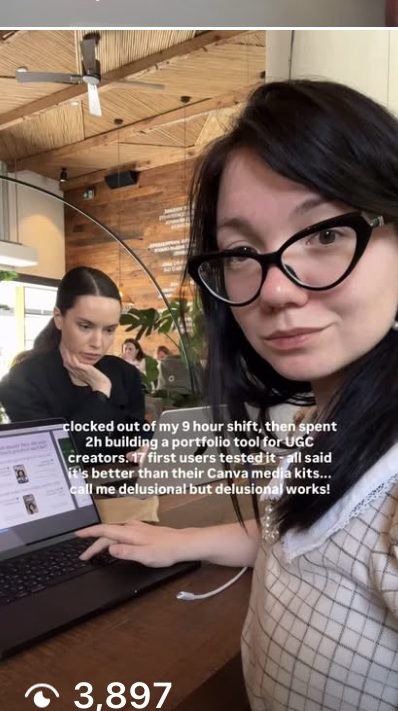
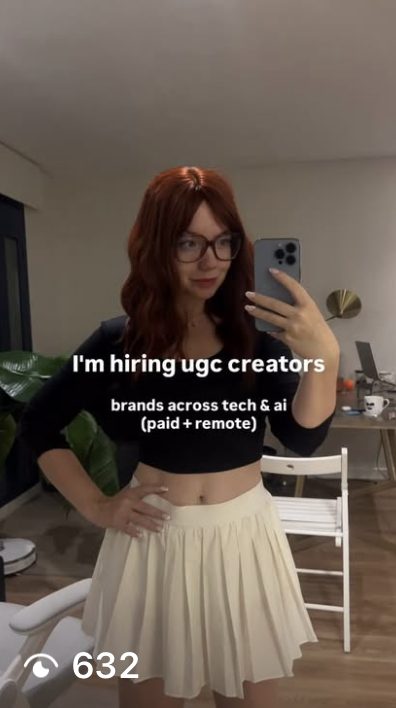
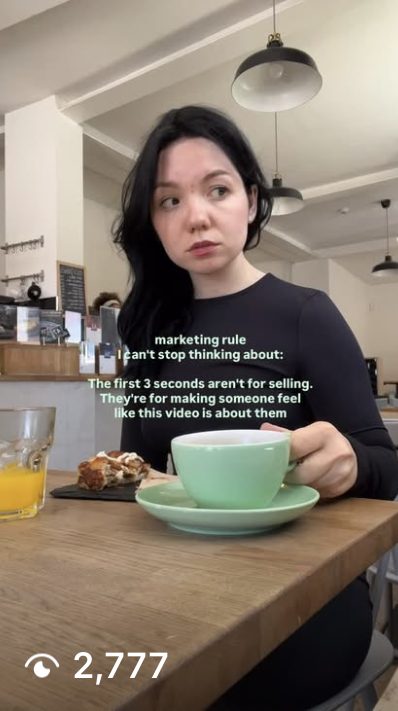
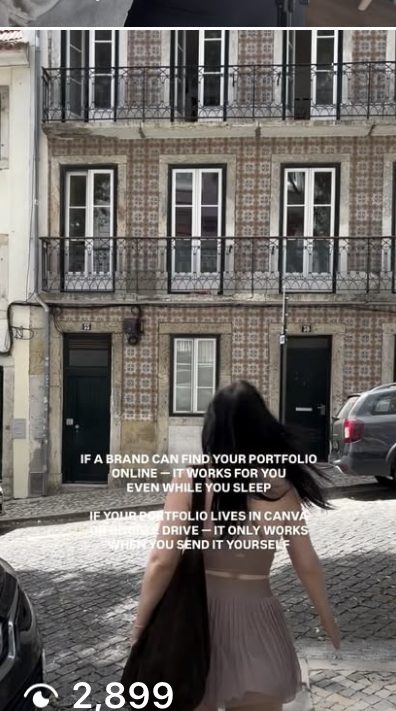
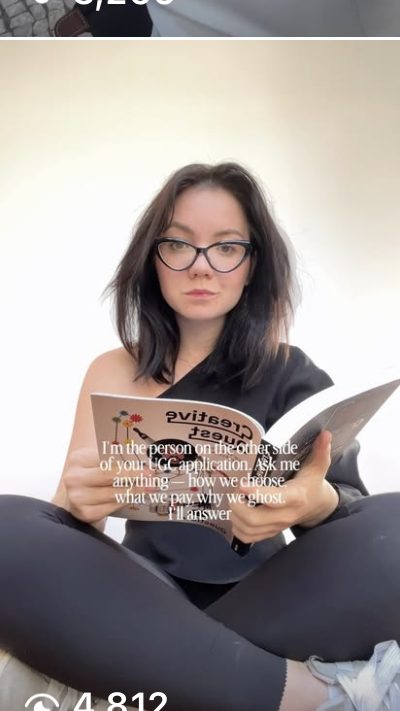
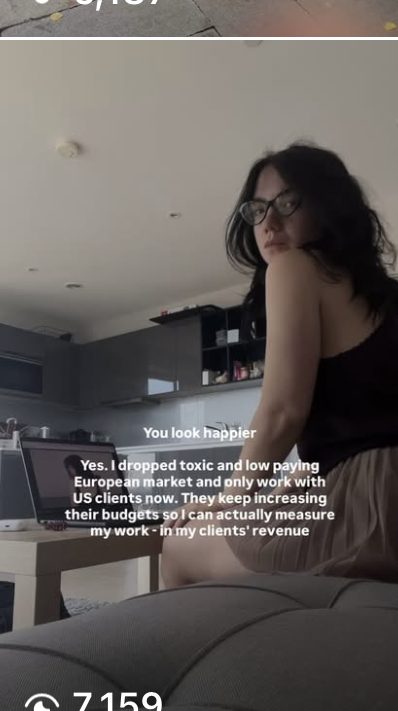
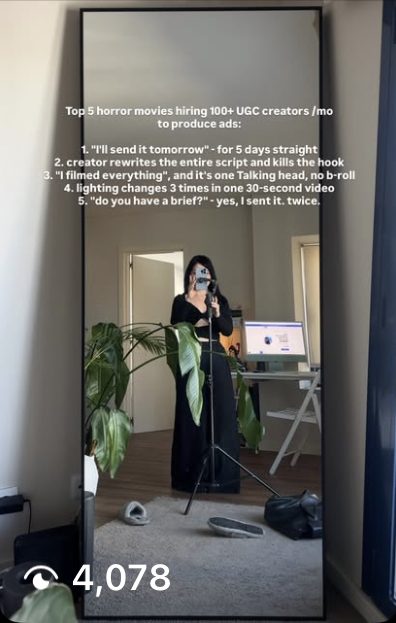
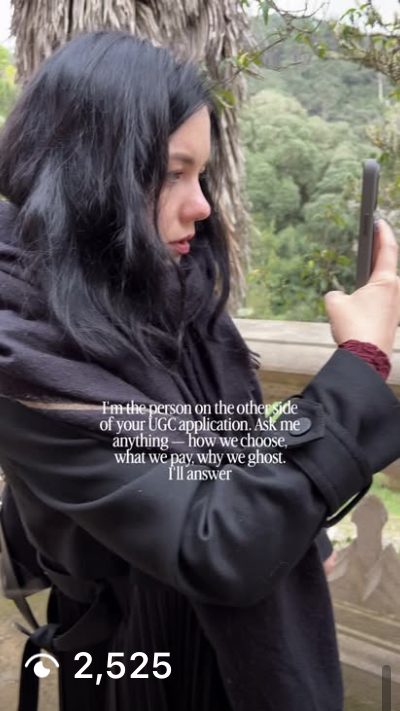
For marketersThe footage needs no script, no brief and no studio light. It needs variety in settings, outfits and moods, and a face that looks like the audience you want.
I didn't invent hooks. I borrowed winning UGC formats.
I watched what was taking off on canvas UGC and tech UGC accounts, saved 2 or 3 examples of each trend, and rebuilt the structure with my own clip and my own topic. Copy the setup, the punchline, the text placement and the length. Never someone else's footage or exact words.
Three UGC video templates. Every video fits one.
15 seconds max, no single clip longer than 7. Trending audio on top. I set up a simple bot that takes a trend, writes 3 text options for my topic and cuts 1 to 3 videos from the tagged clips. You can do the same by hand in CapCut. The bot only made it faster.
Reaction + hook
One clip, text on top or at the middle. The fastest type. I made most videos this way: text trends, memes, hiring calls.
Reaction + product
A reaction clip, then a screen recording of the product. Emotion first, proof second, in one video.
Reaction + screenshots
One background clip, text at the top, screenshots cycling every 2 seconds below. For interfaces, results and reviews.
The offer mattered more than the face or the hook.
With the same clips and the same audience of UGC creators, I tested four different promises. One of them did almost all the work.
four reels above 13K
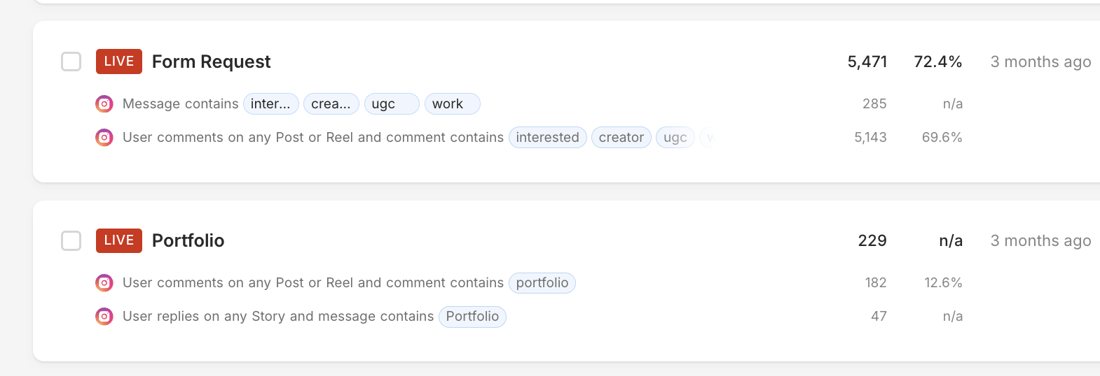
requests in ManyChat from the hiring reels: 5,143 comments and 285 direct messages.
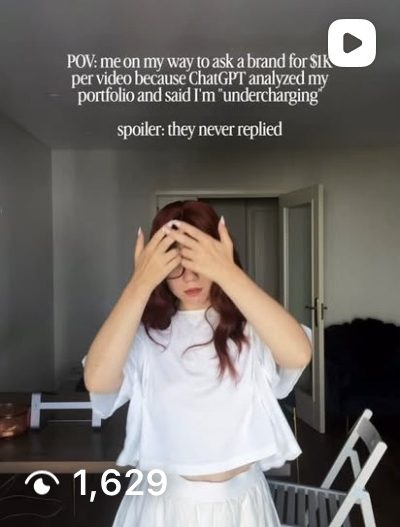
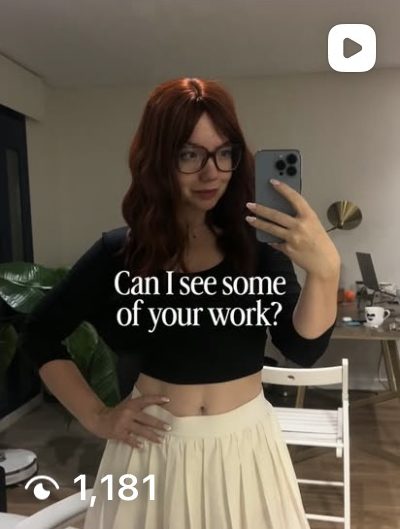
requests from the portfolio reels: 182 comments and 47 Story replies. Same account, same clips, 24 times less.
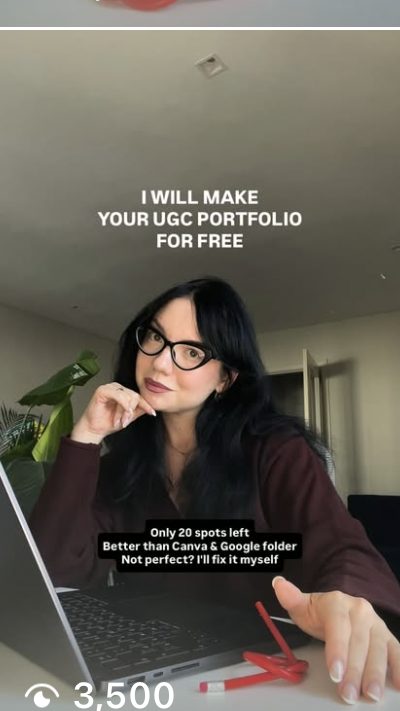
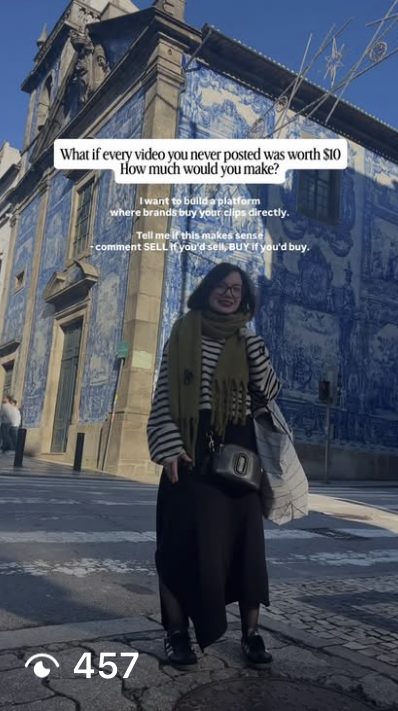
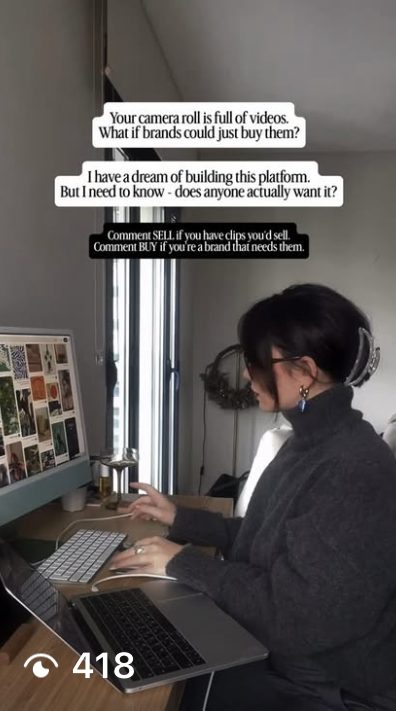
One word in the comments. ManyChat does the rest.
Every hiring reel asked for one action: comment "creator". ManyChat did everything after that, day and night. The DM set expectations too: I work with around 100 creators a month, so the right project may come later.
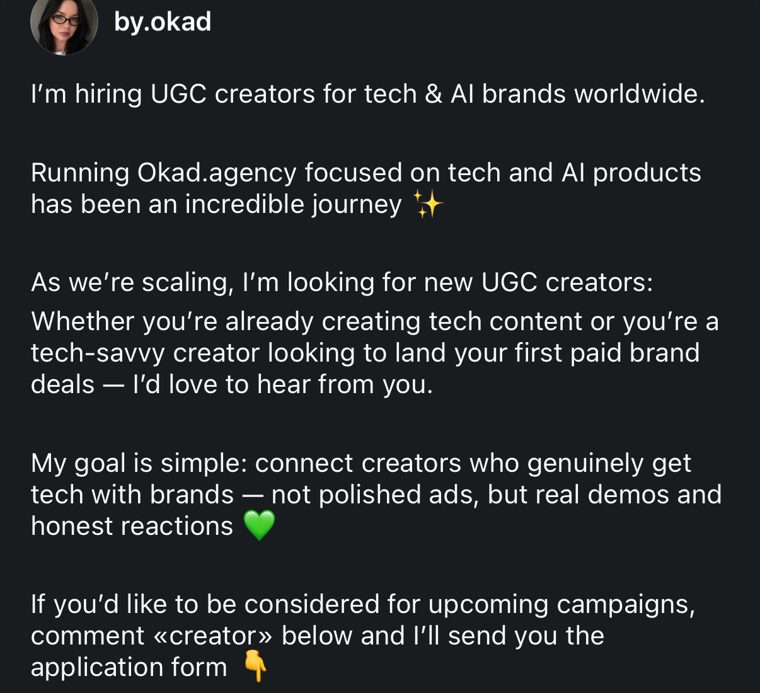
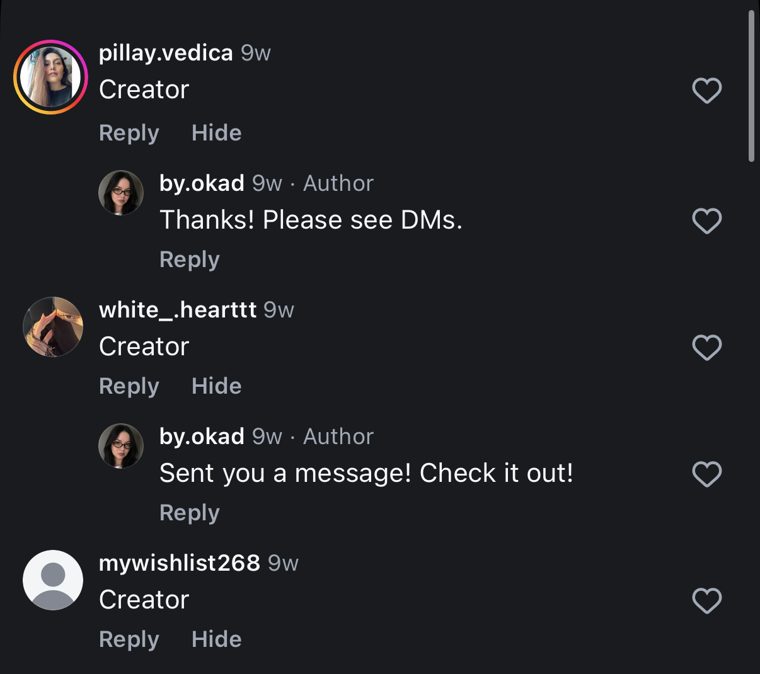
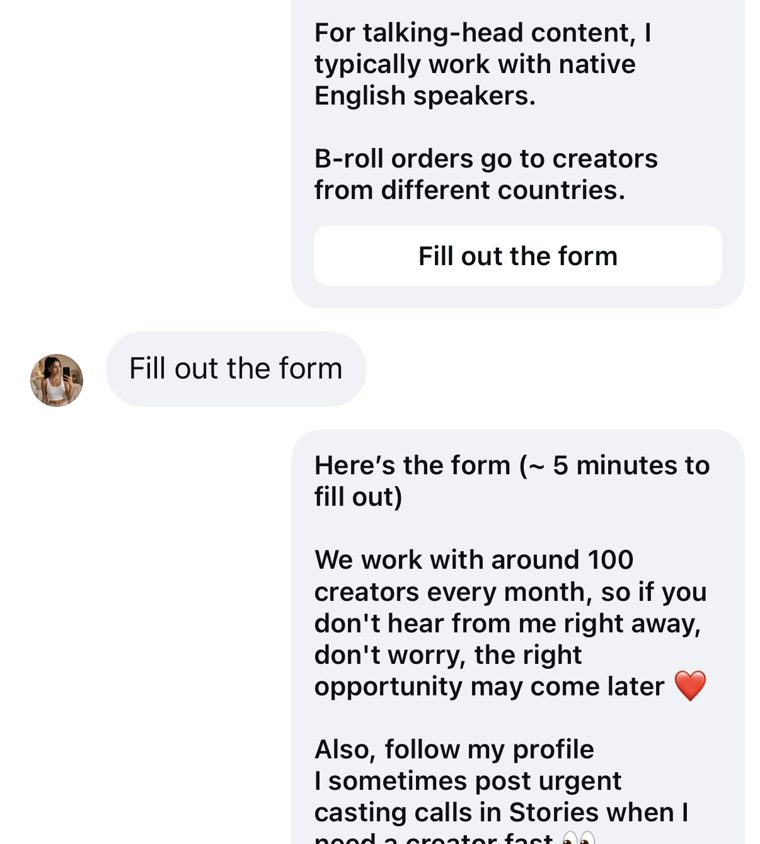
90% of people who got the DM clicked through. 3,787 contacts in the database today.

Same hook, different clip.
I published most videos as Instagram trial reels, which are shown to people who don't follow you yet. That's the fairest test, no loyal audience inflating the numbers. When a hook won, I didn't wait for new footage. I put the same text on another clip from my roll.
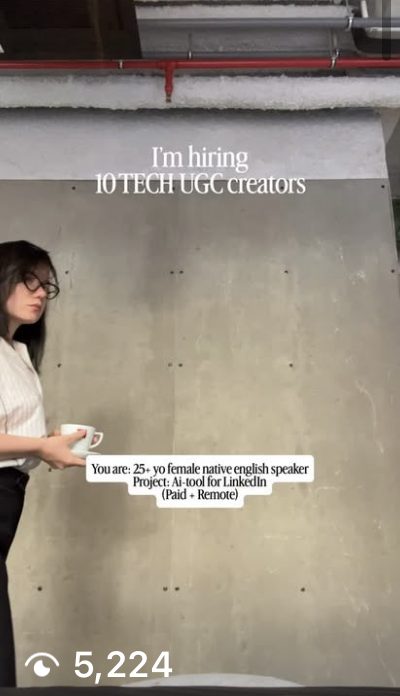
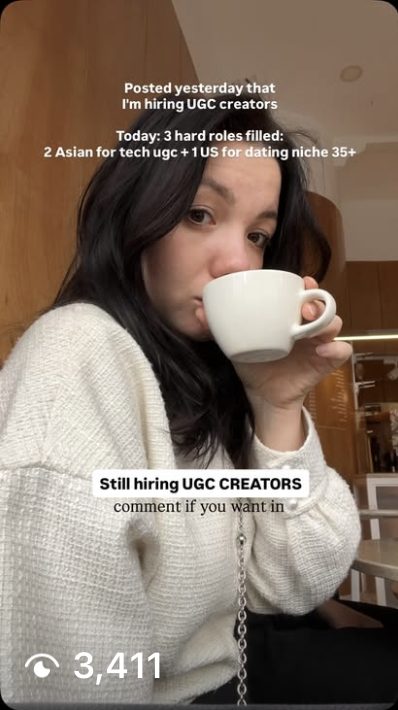
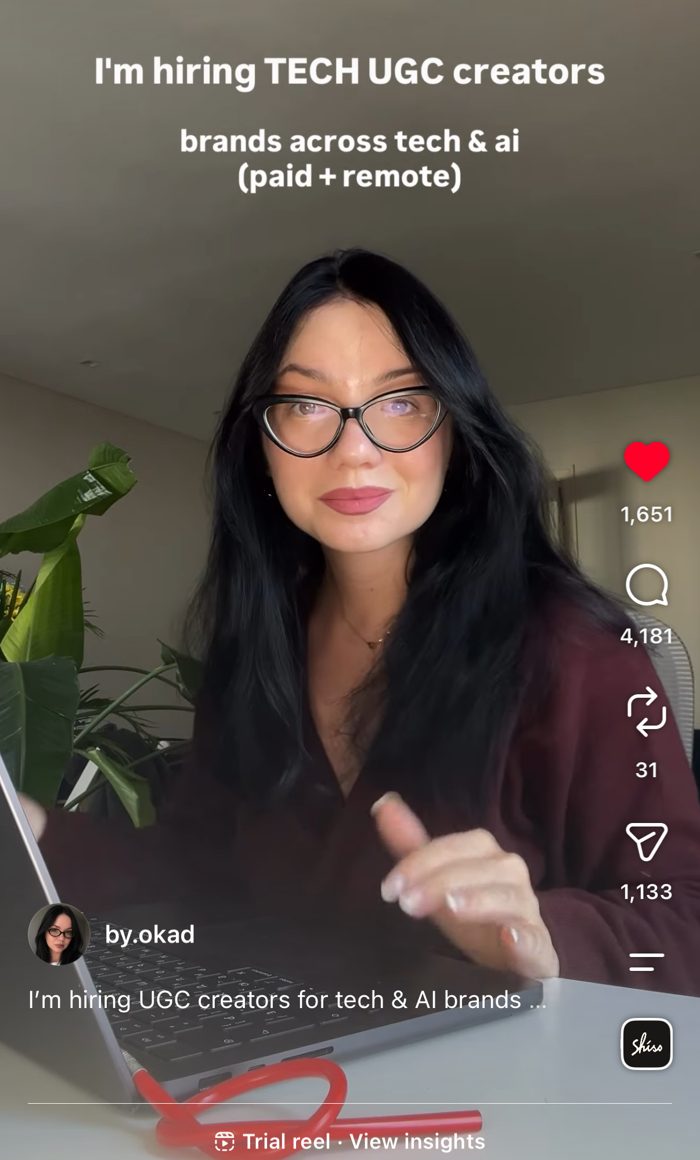
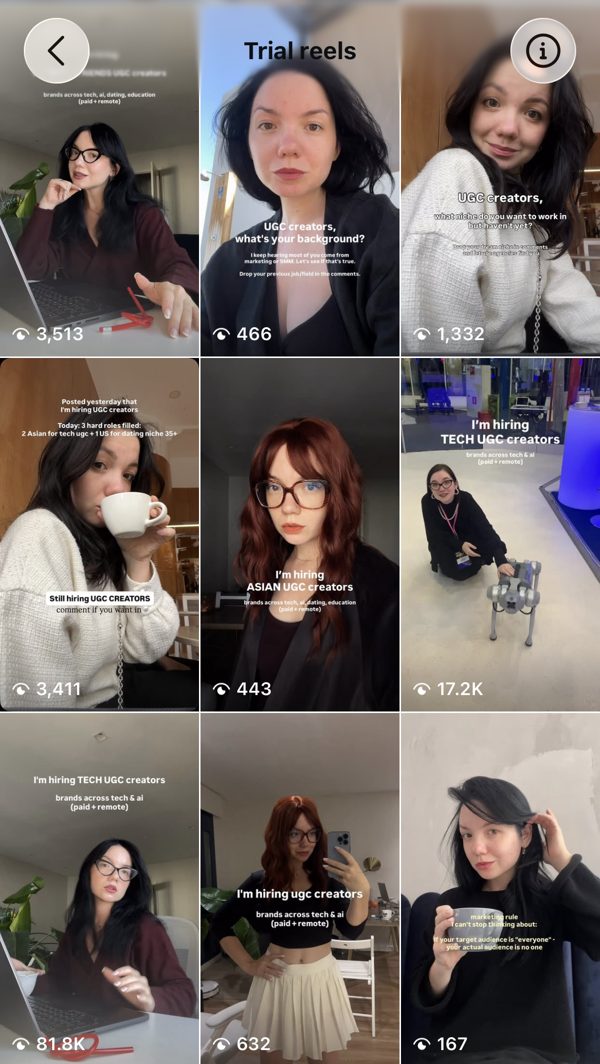
For marketersOrganic is a numbers game. Most videos land in the low thousands and a few explode, and you can't predict which. A fixed clip library is what makes volume cheap: a new video costs a new line of text, not a new shoot.
The format travels. The followers don't have to.
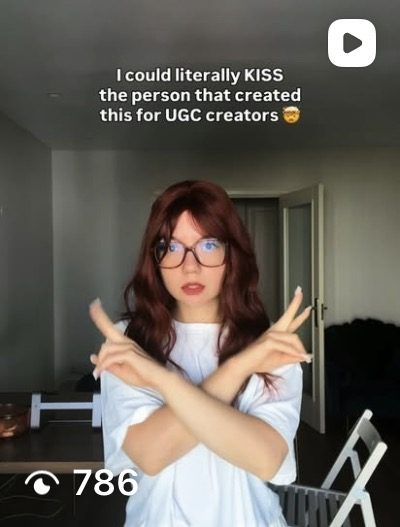
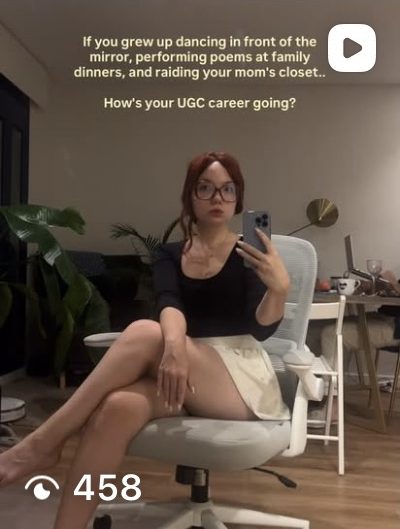
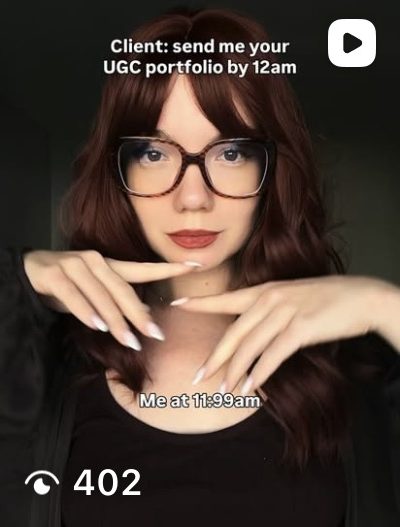
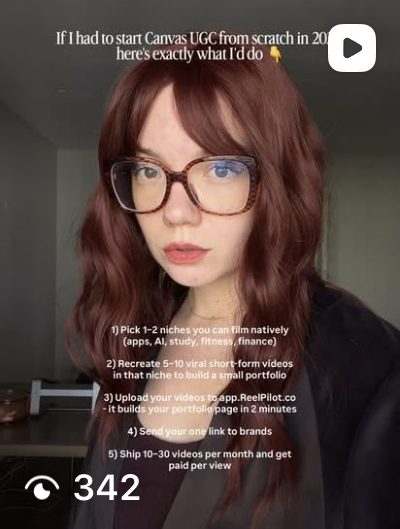
To make sure this wasn't about my existing audience, I opened a new account with zero followers and a different look, moved the winning hooks over almost word for word, and cut them from b-roll the same way. From the first posts, every reel got 340 to 1,600 views.
The database turned into a product.
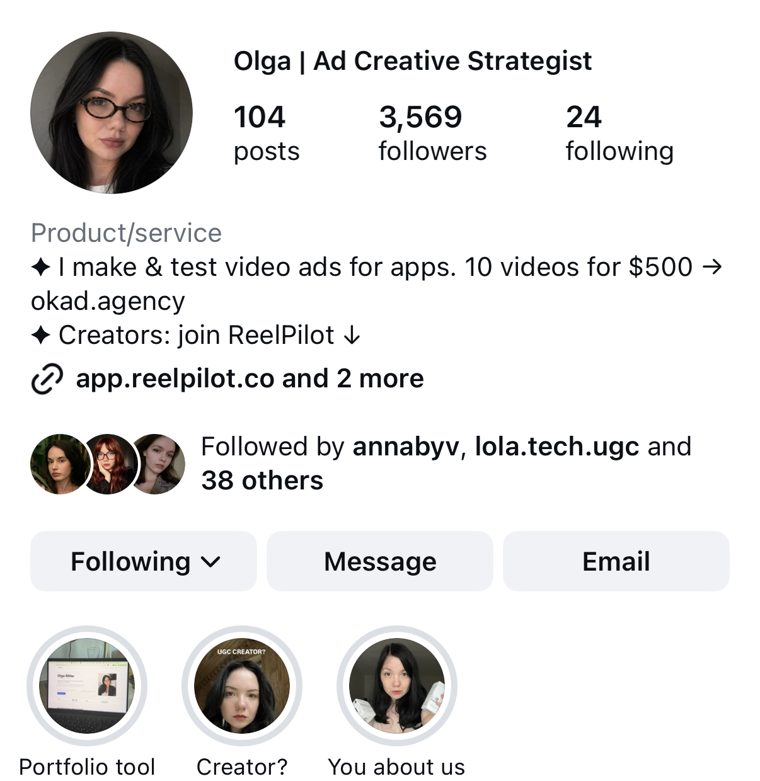
I only wanted a list of creators for client projects. But so many people asked for work and a place to show it that I built a small tool for them: ReelPilot, where a creator uploads videos and gets a portfolio page to send to brands. It went live in early September 2026, and the same reels kept sending people there.
124
creator portfolios got real views, 524 in total. 70% of visitors came on a computer, which tells me they weren't just tapping a link. They sat down to build something.
Most visitors looked and left, as with any free tool. For a product I never planned, with only camera-roll footage behind it, 113 sign-ups and 152 people coming back is a clear signal that this kind of content brings people who act.
Search and ChatGPT picked it up
Reels brought the first wave. Then I added simple guide pages to the site: UGC portfolio examples, UGC creator rates and canvas UGC jobs. ChatGPT now recommends the tool when people ask about those topics, and those visitors stay the longest of all.
| Channel | Visitors | Engaged | Per visit |
|---|---|---|---|
| ChatGPT | 211 | 55% | 4:26 |
| Google search | 272 | 53% | 3:48 |
| Instagram, tracked | 193 | 39% | 1:10 |
Buy UGC footage once. Make the videos yourself.
For each account you want to grow, buy 30 to 120 clips from one creator in a single shoot. Ask for variety, not polish: different outfits, rooms and moods, a few talking-to-camera shots, a few reactions, and screen recordings of your product. Then cut them into trending formats week after week.
- You pay for every video, plus bonuses on winners.
- Speed depends on the creator's schedule.
- When a format wins, you ask for more and wait.
- The creator disappears and the account stalls.
- A few ideas tested a month.
- One batch of raw clips per account.
- A new video takes minutes once a trend appears.
- A winning hook goes on 5 more clips the same day.
- The footage is already yours.
- Dozens of hooks and offers tested a month.
Canvas and tech UGC checklist: nine things to do this month.
- Buy or collect 30 to 120 varied clips per account
- Tag every clip by mood, setting and action
- Save 2 or 3 examples of each trend in your niche
- Rebuild each trend as type A, B or C, 15 seconds max
- Test at least 3 different offers, not only hooks
- Ask for one keyword comment and automate the DM
- Post as trial reels, put winning hooks on new clips
- Track what people do after the click, not only views
- Add simple guide pages so search and ChatGPT keep sending people
Questions brands ask me most.
What is canvas UGC?
Canvas UGC is organic content for apps posted on fresh, brand-dedicated accounts, the "blank canvas". Creators usually post daily short videos there and get paid per video plus bonuses for videos that take off. I show how to get the same kind of content from a one-time clip library instead.
What is tech UGC?
Tech UGC is user-generated video for apps, SaaS and AI tools: a real person reacting to a product, showing the screen, or talking about a problem the product solves. It works best when it looks like a normal post, not an ad.
Do I need to hire UGC creators for every video?
No. I recommend buying footage once: 30 to 120 varied clips per account from one creator. Then you cut those clips into trending formats yourself, so a new video costs a new line of text instead of a new shoot.
How many clips do I need for one account?
I ran my test on about 35 clips from my own camera roll. For a brand account I suggest 30 to 120 clips with different outfits, rooms, moods, reactions, talking-to-camera shots and screen recordings of the product.
Does this work on a brand-new Instagram account?
Yes. I moved my winning hooks to a new account with zero followers, cut them from b-roll the same way, and every reel got 340 to 1,600 views from the first posts.
Which offer works best to collect UGC creators?
A job offer. "I'm hiring tech UGC creators, paid and remote" brought 5,471 keyword requests. A free portfolio tool brought 229 with the same clips and the same account.
What tools do I need?
A phone with old clips, CapCut for editing, Instagram trial reels for testing, and ManyChat to turn comments into DMs with a form. I added a simple bot to write text options and cut videos faster, but it is optional.
How much does it cost to have OKAD make these videos?
I make 10 videos plus a testing plan for $500, delivered in 5 business days, built from AI or creator-library footage. Bigger monthly creative testing is scoped on a call.
I'll make your first 10 videos for $500.
I make and test video ads for apps. You get a testing plan and 10 videos built from AI or creator-library footage, delivered in 5 business days. No call needed to start.
Offers, hooks and formats worth testing for your app.
Your clips, a creator library or AI, tagged by mood.
Cut into the formats that are winning right now.
Ready to post or run as ads, with what to test next.
OKAD · Lisbon · Olga, @by.okad. View counts from Instagram, automation numbers from ManyChat, site numbers from Google Analytics (Sept 4 to Oct 7, 2026).